Cyber Bheem
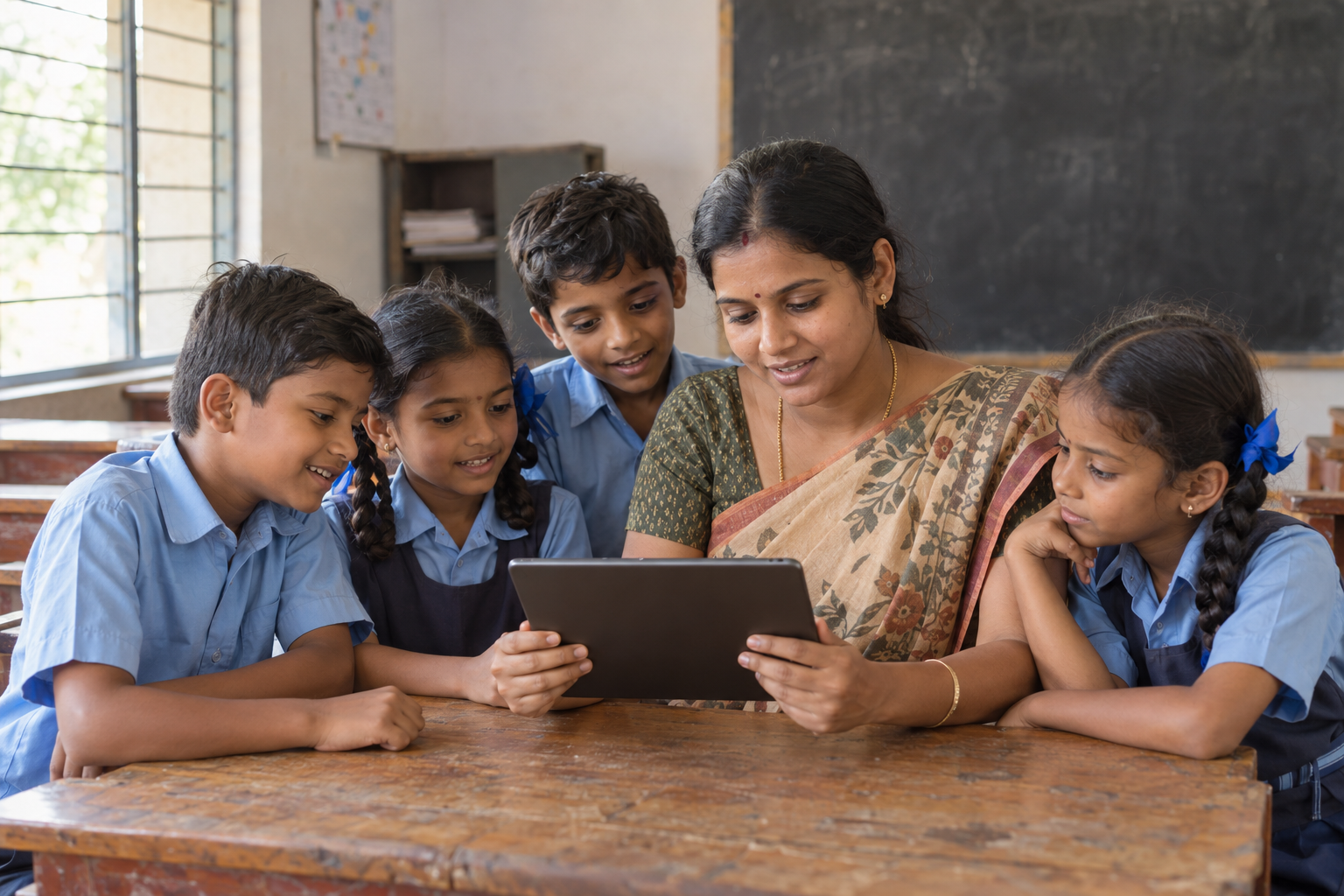
Cyber Bheem is a planned digital safety education project for children under 10 in government schools. We plan to begin with a pilot in Guntur district, Andhra Pradesh, before extending the programme to more government schools across the state.
A digital safety foundation for young learners
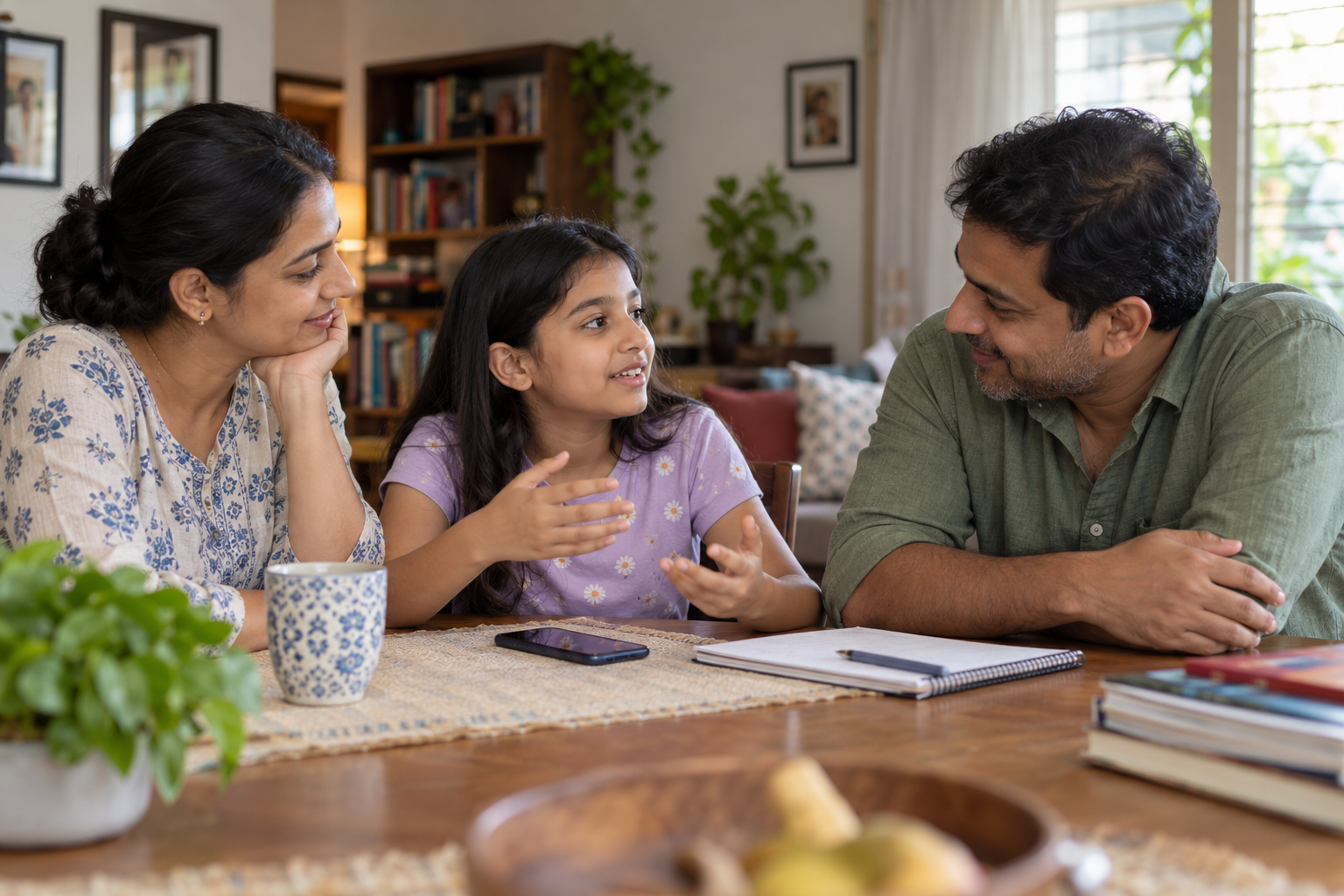
The project will help young children become careful, confident digital users through stories, games, picture-based activities, and guided demonstrations. Lessons will focus on everyday situations: playing online games, watching short videos, tapping unfamiliar links, and downloading apps or files. Teachers and parents will be involved so children can practise safer habits both at school and at home.
What children will learn
Play online games safely
Choose age-appropriate games with an adult. Avoid chatting with strangers, sharing personal details, or making purchases without permission.
Understand screen time and the growing brain
Explore how screen routines can crowd out sleep, learning, concentration, and outdoor play. Practise breaks and screen-free times with family support.
Step away from endless Shorts
Learn to choose videos with an adult, set a stopping point, and switch to an offline activity instead of scrolling short videos continuously.
Pause before clicking links
Treat unexpected links, free-game offers, prizes, and unfamiliar messages with caution. Stop and ask a trusted adult before tapping.
Ask before downloading
Ask a parent or teacher to check apps, games, files, and online resources before downloading. Avoid unknown websites and unofficial downloads.
Keep personal information private
Practise keeping addresses, phone numbers, school details, location, and private photographs away from strangers online.
Protect passwords and login codes
Use parent-managed accounts where appropriate. Keep passwords and verification codes private, and ask an adult for help with unexpected sign-in requests.
Be kind and ask for help
Recognise unkind messages or uncomfortable contact. Tell a parent or teacher, use reporting tools with help, and support classmates respectfully.
The Guntur government-school pilot
-
Connect with Guntur schools
Identify interested government primary schools and plan delivery with school leaders and local partners.
-
Teach through play
Run age-appropriate classroom activities, stories, quizzes, and demonstrations in simple Telugu and English. Children will not need their own devices.
-
Bring families into the plan
Share take-home safety reminders and show parents and teachers how to supervise viewing, downloads, games, and screen routines.
-
Learn before expanding
Use simple before-and-after activities and teacher and parent feedback to improve the pilot before reaching more schools in Andhra Pradesh.
For parents and teachers: limiting short videos
- Choose a supervised viewing experienceFor young children, use YouTube Kids with parent-selected content, or an appropriate parent-managed YouTube account. Review what your child can access together.
- Set a Shorts Feed limitWhere available for the supervised account, open YouTube Family Centre, select the child's account, choose Time management, and set the daily Shorts Feed limit.
- Use app timers and stopping cuesSet viewing limits through YouTube Kids, Family Link, or your device's parental controls. Agree on a stopping cue and a fun activity after viewing.
- Make room for life beyond screensTurn off autoplay and unnecessary notifications where available. Keep meals, homework, and bedtime screen-free, and protect time for reading and outdoor play.
Help shape the pilot with your school or community.
Bring Cyber Bheem to your schoolVolunteer with us